
Download Elisa – internet speed test, DSL optimization, network performance, connection speed, bandwidth monitor
Overview
Elisa is a compact utility application designed to assist users in evaluating and improving their internet connection performance. Targeted primarily at individuals with DSL-based internet services, the app offers tools to analyze download and upload speeds, assess navigational efficiency, and identify potential disruptions affecting network stability. By providing real-time insights into connection behavior, Elisa helps users verify whether their actual internet performance aligns with advertised speeds. This makes it particularly useful for troubleshooting slow connections, identifying bottlenecks, and ensuring optimal use of available bandwidth.
The app serves a niche but valuable role in the mobile productivity ecosystem, especially for users who rely on consistent DSL connectivity for work, remote learning, or streaming. While the developer, Elisa, has not provided additional background on its origin or development history, the app’s release date of April 4, 2006, suggests it has been in use for over 18 years. This longevity indicates a stable, well-tested core functionality, even if the interface and features have not evolved with modern mobile design standards. Real-world applications include pre- and post-optimization testing, monitoring connection stability during online meetings, and validating ISP service quality.
Key Features & Functionality
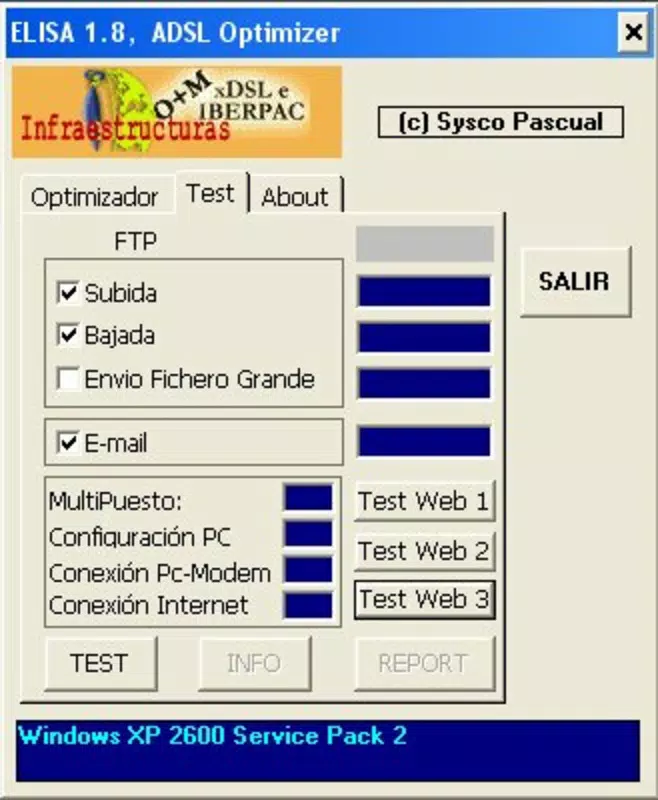
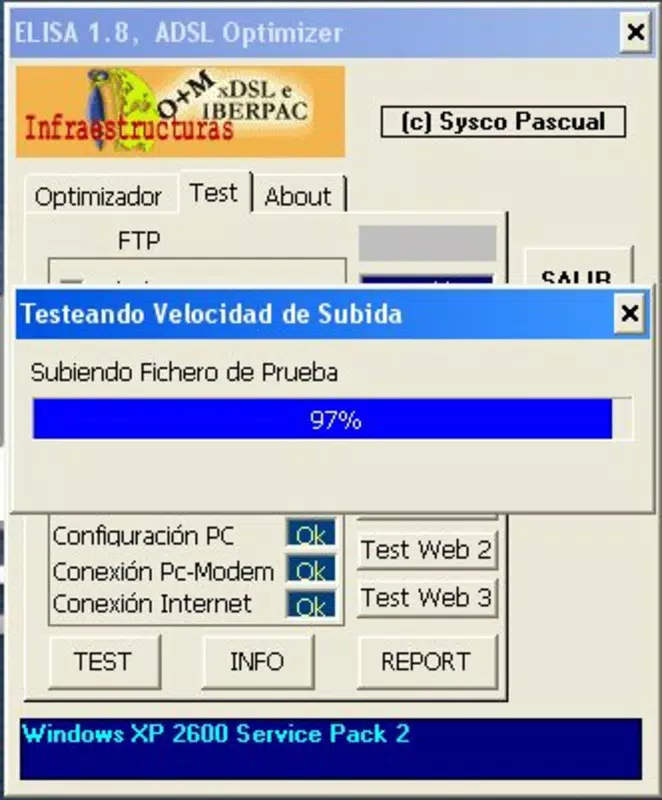
- Comprehensive Speed Testing: Elisa performs detailed evaluations of download and upload speeds, along with navigational effectiveness. This allows users to benchmark their connection against expected performance levels and detect discrepancies from advertised speeds.
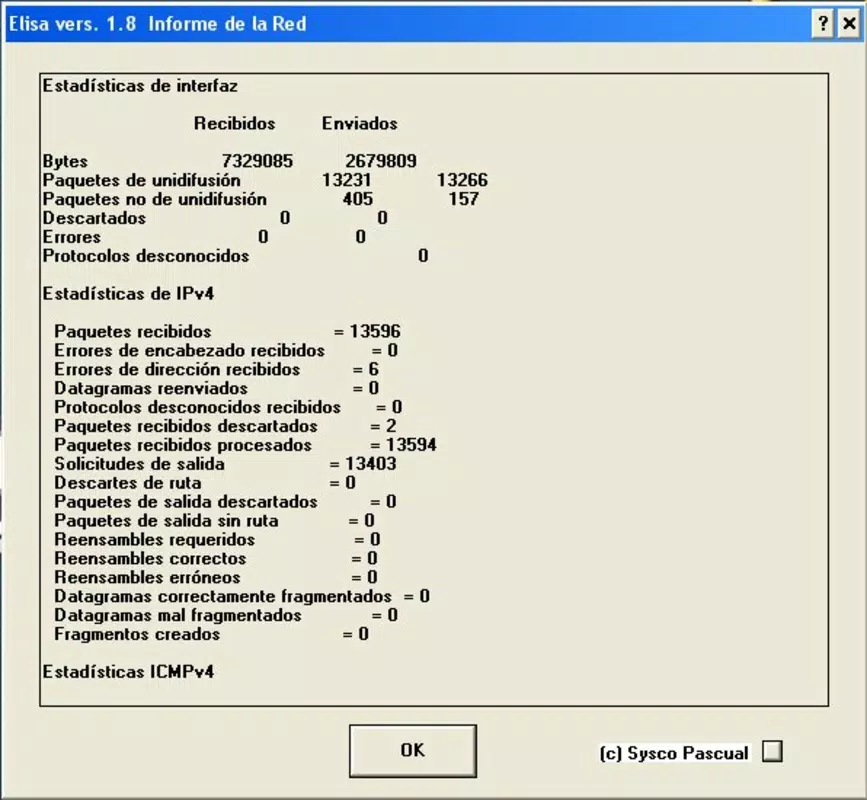
- Impact Detection: The app identifies potential issues such as network congestion or signal interference that may degrade connection quality, enabling users to take corrective actions based on real-time diagnostics.
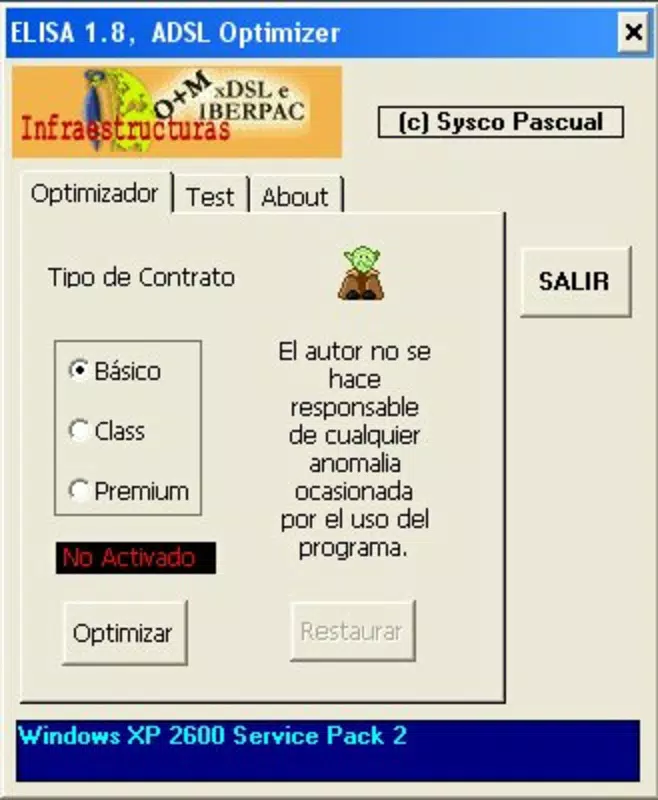
- Automatic Configuration Optimization: Elisa can adjust DSL connection settings automatically to improve performance, ensuring the network is configured for optimal throughput without requiring user expertise.
- User-Friendly Interface: Designed for accessibility, the interface allows users to navigate testing and optimization tools easily, even without technical knowledge, reducing the barrier to effective network management.
- Real-Time Performance Monitoring: Users can observe fluctuations in connection speed as they occur, which is essential for diagnosing intermittent slowdowns and understanding network dynamics during high-demand activities.
These features are particularly beneficial in scenarios such as verifying ISP performance after a service upgrade, identifying bandwidth hogs during video calls, or ensuring consistent connectivity during online gaming or remote work sessions. The ability to monitor and optimize in real time supports proactive network management, helping users maintain reliable internet access.
Interface, UX & Performance
Elisa presents a straightforward interface focused on core functionality, prioritizing utility over visual polish. The layout is minimalistic, with clearly labeled sections for speed testing, optimization, and monitoring. Navigation is linear and intuitive, allowing users to access key tools without confusion. While the app does not appear to incorporate modern design elements such as animations or dynamic themes, its simplicity may appeal to users who value efficiency over aesthetics.
Although the developer did not list formal performance metrics, the app’s lightweight size of 2.8M suggests it is optimized for low-resource devices. It is expected to run smoothly on a wide range of Android devices, including older models. Responsiveness appears to be consistent with its long-standing presence, though no specific data on lag or crash rates was provided. Stability is likely maintained through years of use, though users should be aware that the app has not been updated in over a decade, which may affect compatibility with newer Android versions.
Platform Compatibility & Technical Requirements
Elisa is available exclusively on the Android platform. The current version is 1.1, with a file size of 2.8M, making it a lightweight download suitable for devices with limited storage. The app was released on April 4, 2006, and while it has remained available for many years, specific OS version requirements were not listed by the developer. This lack of detail means compatibility with modern Android versions cannot be confirmed.
The developer did not specify minimum OS requirements, so users should exercise caution when installing on newer devices. It is possible that the app may not function correctly on Android 10 or later without compatibility patches. Users should verify functionality on their specific device before relying on it for critical network diagnostics.
Pros and Cons
Pros
- Lightweight size (2.8M) ideal for low-storage devices.
- Designed for users seeking DSL-specific performance optimization.
- Offers real-time monitoring and automatic configuration adjustments.
- Simple interface suitable for non-technical users.
- Longevity and stability suggest reliable core functionality.
Cons
- Not updated since 2006, raising compatibility concerns with modern Android systems.
- Missing detailed technical specifications and OS requirements.
- Interface lacks modern design elements and may appear outdated.
- Limited to Android platform; no iOS or other OS support.
- No official updates or developer support available.
FAQ
Is Elisa safe to download and install?
Elisa is available through official Android distribution channels and has been in use since 2006. While no current security audits have been published, its long-standing presence suggests it is free from known malicious behavior. Users should still verify the source before installation.
Can Elisa be used on Android 12 or later?
The developer did not specify compatibility with newer Android versions. Given the app’s release date and lack of updates, it may not function properly on Android 12 or higher. Users are advised to test it on their device before relying on it.
Does Elisa require internet access to function?
Yes, Elisa requires an active internet connection to perform speed tests, monitor performance, and adjust DSL settings. It cannot operate without a network connection.
Is Elisa available for iOS devices?
Elisa is currently only available for Android. There is no official version for iOS or other platforms.
How often should I run a speed test with Elisa?
Users can run speed tests as needed—before important online activities, during troubleshooting, or periodically to monitor connection stability. There is no fixed schedule, but regular checks can help detect performance degradation over time.
Final Thoughts
Elisa remains a unique tool in the mobile productivity space, offering a focused solution for DSL users seeking to monitor and optimize their internet performance. Its ability to conduct comprehensive speed tests, detect network issues, and automatically adjust settings makes it a valuable utility for those with older or fixed-line connections. While its outdated interface and lack of updates are notable drawbacks, its lightweight design and proven functionality continue to offer real benefits for specific users.
For individuals with DSL internet who prioritize performance accuracy and stability, Elisa provides a reliable, no-cost method to assess and enhance their connection. Its simplicity and long history make it a trustworthy option for basic network diagnostics. However, users on modern Android systems should proceed with caution and test compatibility before full reliance.
Download Elisa now


